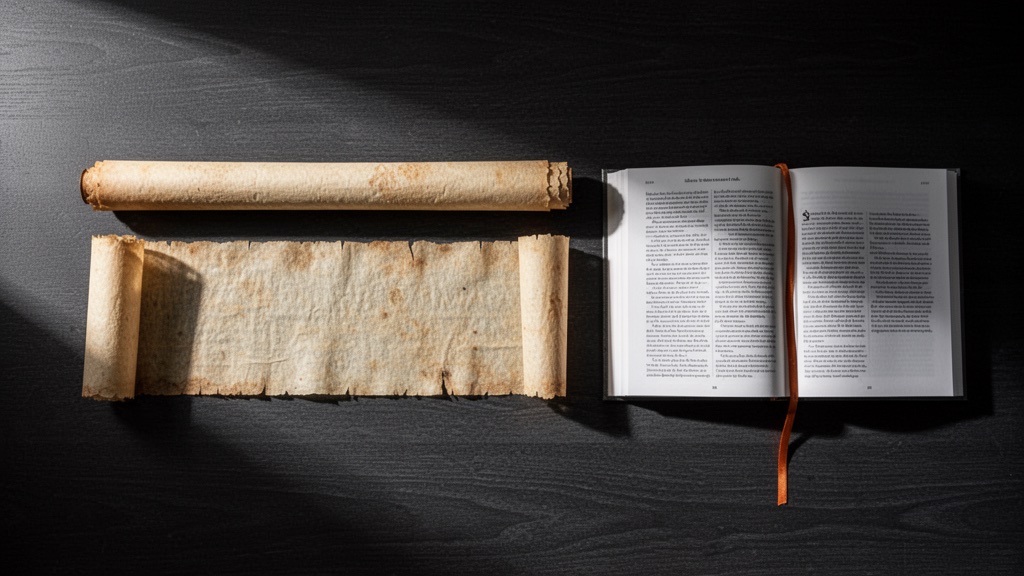
TL;DR: Every paragraph in a scrolling document has the same address: somewhere in the middle. Books don’t work that way, and your memory knows it. So I made my markdown viewer paginate into fixed columns and scroll sideways, like flipping through a magazine.
The question I couldn’t answer politely
I was at nerd hour this week and someone asked why I keep building my own document viewers instead of just, you know, reading things in a browser like a normal person.
The honest answer came out grumpier than I intended: I hate vertical scrolling. Not “prefer not to.” Hate.
(I went looking afterward and found I wrote a post about horizontal scrolling in Vim back in 2016. So this is less an opinion than a personality trait.)
Here’s the thing I’ve never been able to shake. Ask me about something I read in a physical book and I’ll say something ridiculous like “it was left page, lower third, right next to that diagram, maybe two thirds of the way through.” I don’t remember the page number. I remember the shape. The block of text had a silhouette, the diagram had a position, the book had a thickness under my left thumb.
Now ask me about something I read in a scrolling web page yesterday. Best I’ve got is “it was in there.”
Shape is free information
This is the part that bugs me as an engineer. Books and magazines hand you a bunch of retrieval metadata for free, without asking you to do anything:
- Position on the page — top, middle, bottom, left leaf, right leaf
- The block’s silhouette — short paragraph, long one, ragged list, dense code
- Where you are in the whole — physical thickness, page count, the gutter
- Fixed neighbors — that quote was always next to that photo, every single time you looked
Scrolling throws every one of those away. Reflow means nothing has a stable location. Position is relative to a viewport that moves. Depth is a scrollbar that shrinks as the page lazy-loads more junk. Two paragraphs that were adjacent at one window width are on different screens at another.
We spent a couple thousand years upgrading from the scroll to the codex — bound pages, fixed positions, flip and land — and then we un-invented it because a mouse wheel was easy to build.
So I made mine flip
I already had md-to-print, which renders markdown into a 2-column PDF because my eyes are getting old and backlights are merciless. Printing solved the shape problem, but it also required, uh, a printer.
The viewer mode is the same idea without the paper. md-to-print --serve . gives you a browser view where content flows into fixed-width columns, paginated, scrolling horizontally. Space bar moves you one column right. It feels like turning pages, because functionally it is.
The whole trick is a handful of CSS properties that almost nobody uses, because the web decided scrolling down was the only option:
.paged-content {
    height: 100%;
    overflow-x: auto;      /* sideways, not down */
    overflow-y: hidden;
    scroll-behavior: smooth;
}

.preview-content {
    height: 100%;          /* the constraint that makes it all work */

    columns: var(--column-width);   /* 380px by default */
    column-gap: var(--column-gap);
    column-fill: auto;              /* fill each column, then start a new one */
    column-rule: 1px solid var(--border);

    width: max-content;    /* let it run off to the right forever */
    min-width: 100%;

    text-align: justify;
    hyphens: auto;
}
That’s it. height: 100% plus column-fill: auto tells the browser “you have this much vertical room and no more,” so it stops stacking downward and starts laying columns out to the right. width: max-content lets the document extend sideways as far as it needs. The browser was always capable of this. We just never asked.
The rest is guardrails so nothing escapes its column — tables get constrained (or promoted to span both columns if they’re wide), code blocks don’t split mid-block, images stay inside the lines. Turns out break-inside: avoid-column earns its keep.
The unscientific results
My measurement methodology is: me, one person, no control group, strong incentive to like my own tool.
With that disclaimer fully deployed — I retain what I read in there about twice as well. I can say “that config example was two columns after the mermaid diagram” and go straight to it. When I scroll a doc, I re-skim the whole thing.
It’s also just prettier. Justified text with real hyphenation, a rule between columns, serif body copy. Scanning a page of columns is faster than scrolling because your eye can take a whole column at once instead of chasing a moving target.
I’ll admit the honest counterpoint: horizontal scrolling is weird for about ninety seconds. Your hands expect down. Then the keyboard bindings take over (←/→, space, Home/End) and you stop thinking about it, the same way you stopped thinking about page-turning.
Why this matters more now
I read more markdown than ever, and less of it is written by humans. Agent output, generated docs, plans, transcripts, specs. The volume went up an order of magnitude and the container stayed the same: one infinite ribbon of reflowing text with no shape.
If it’s worth reading, it’s worth being able to remember where it was.
Repo’s at github.com/ddrscott/md-to-print. It’s extremely opinionated because I built it for exactly one user. Fork it, change --column-width, make it yours.
Thanks for getting this far. If you scrolled sideways to do it, even better.