Today’s “What the SQL?!?” features the keyword GROUPING SETS. A prerequisite to
understanding grouping sets is the regular GROUP BY. If you’ve written one of
those, you’re overqualified. We’ll see how GROUPING SETS collapses three
queries into one.
Please note, our target database is PostgreSQL. These examples may work with
other databases, but might need some massaging to get them to work properly.
Try searching for “GROUPING SETS $DB_VENDOR_NAME”. Not all database vendors
support the keyword GROUPING SETS.
A Problem to Solve
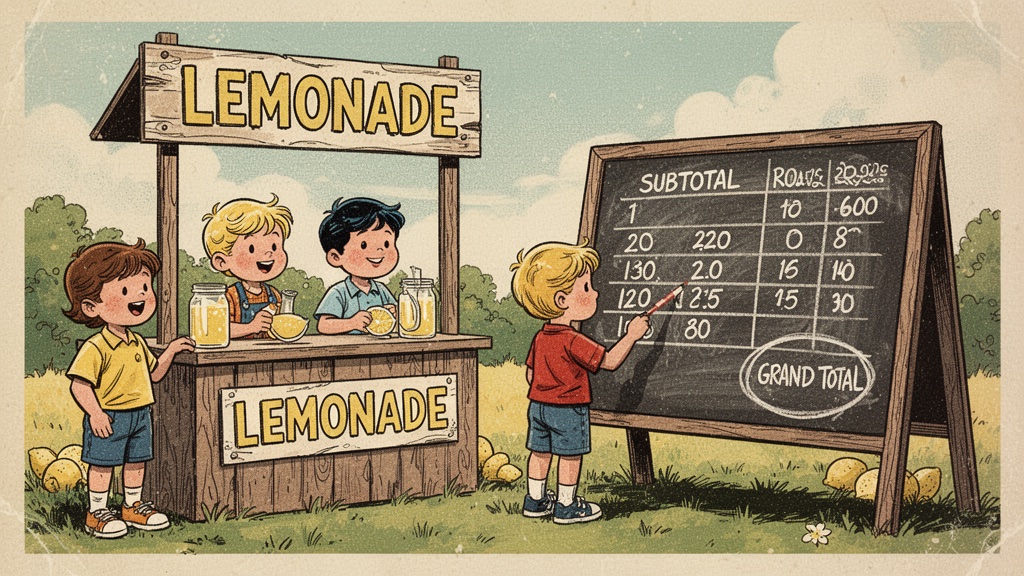
The kids ran a lemonade stand this summer. We have a table of sales, and we want one query that returns the per-kid subtotals, the per-month subtotals, and the grand total. All stacked in a single result.
Our final solution will look like the following:
  kid  | month | sales
-------+-------+-------
 Alice |       |    30
 Bob   |       |    20
 Cat   |       |    20
       | Jul   |    47
       | Jun   |    23
       |       |    70
(6 rows)
All queries are schema independent and should be copy/paste-able into any
psql session.
Sample Lemonade Data
SELECT *
FROM (
  VALUES
  ('Alice', 'Jun', 10),
  ('Alice', 'Jul', 20),
  ('Bob'  , 'Jun',  5),
  ('Bob'  , 'Jul', 15),
  ('Cat'  , 'Jun',  8),
  ('Cat'  , 'Jul', 12)
) AS t(kid, month, sales)
kid | month | sales
-------+-------+-------
Alice | Jun | 10
Alice | Jul | 20
Bob | Jun | 5
Bob | Jul | 15
Cat | Jun | 8
Cat | Jul | 12
(6 rows)Six sales. Three kids. Two months. Zero profit after the cost of lemons.
Life Before GROUPING SETS
You know this one already:
SELECT
  kid,
  SUM(sales) AS sales
FROM (
  VALUES
  ('Alice', 'Jun', 10),
  ('Alice', 'Jul', 20),
  ('Bob'  , 'Jun',  5),
  ('Bob'  , 'Jul', 15),
  ('Cat'  , 'Jun',  8),
  ('Cat'  , 'Jul', 12)
) AS t(kid, month, sales)
GROUP BY kid
ORDER BY kid
kid | sales
-------+-------
Alice | 30
Bob | 20
Cat | 20
(3 rows)That looks right. Alice is carrying the company.
But then the boss wants monthly subtotals too, so you copy the query
and swap kid for month, and then she wants a grand total at the bottom,
so you copy it again and delete the GROUP BY entirely, and now you have
three queries stapled together with UNION ALL, a pile of NULL AS month
placeholder columns to make the shapes line up, and a comment apologizing to
whoever finds it next.
SELECT kid, NULL AS month, SUM(sales) FROM sales_data GROUP BY kid
UNION ALL
SELECT NULL, month, SUM(sales) FROM sales_data GROUP BY month
UNION ALL
SELECT NULL, NULL, SUM(sales) FROM sales_data
-- sorry.
It works. It also scans the table three times and my wrists filed a complaint.
One query. One pass. No apologies. That’s the goal.
Enter GROUPING SETS
SELECT
  kid,
  month,
  SUM(sales) AS sales
FROM (
  VALUES
  ('Alice', 'Jun', 10),
  ('Alice', 'Jul', 20),
  ('Bob'  , 'Jun',  5),
  ('Bob'  , 'Jul', 15),
  ('Cat'  , 'Jun',  8),
  ('Cat'  , 'Jul', 12)
) AS t(kid, month, sales)
GROUP BY GROUPING SETS (
  (kid),    -- 1) subtotal per kid
  (month),  -- 2) subtotal per month
  ()        -- 3) group by nothing, which groups everything. Zen.
)
ORDER BY kid, month
kid | month | sales
-------+-------+-------
Alice | | 30
Bob | | 20
Cat | | 20
| Jul | 47
| Jun | 23
| | 70
(6 rows)That’s the destination table from the top. One FROM, one scan, all three
groupings. Each sublist inside GROUPING SETS is its own little GROUP BY,
and Postgres stacks the results.
Who’s NULL Now?
There’s a catch. The blank cells above are NULL, and NULL is doing double
duty: it means “this column wasn’t grouped” in the subtotal rows, but it would
also be the value shown if a kid’s name were genuinely missing from the data.
Was that blank a rollup, or did someone sell lemonade anonymously?
The GROUPING() function tells us which is which. It returns 1 when the
column was rolled away and 0 when it’s a real grouped value:
SELECT
  CASE WHEN GROUPING(kid)   = 1 THEN '(all kids)'   ELSE kid   END AS kid,
  CASE WHEN GROUPING(month) = 1 THEN '(all months)' ELSE month END AS month,
  SUM(sales) AS sales
FROM (
  VALUES
  ('Alice', 'Jun', 10),
  ('Alice', 'Jul', 20),
  ('Bob'  , 'Jun',  5),
  ('Bob'  , 'Jul', 15),
  ('Cat'  , 'Jun',  8),
  ('Cat'  , 'Jul', 12)
) AS t(kid, month, sales)
GROUP BY GROUPING SETS ((kid), (month), ())
ORDER BY kid, month
kid | month | sales
------------+--------------+-------
(all kids) | (all months) | 70
(all kids) | Jul | 47
(all kids) | Jun | 23
Alice | (all months) | 30
Bob | (all months) | 20
Cat | (all months) | 20
(6 rows)That looks right. Now the report reads like a report instead of a NULL hunt.
ROLLUP, Don’t Walk
If your subtotals follow a hierarchy — month within kid, region within country,
that kind of thing — ROLLUP is shorthand for the grouping sets you were about
to type anyway:
GROUP BY ROLLUP (kid, month)
-- same as:
GROUP BY GROUPING SETS ((kid, month), (kid), ())
And CUBE (kid, month) expands to every combination — all four grouping sets.
With two columns that’s cute. With five columns that’s 32 grouping sets, which
is why nobody talks about CUBE at parties.
Straight from the Docs
Here’s what Postgres has to say about the empty grouping set:
An empty grouping set means that all rows are aggregated down to a single group (which is output even if no input rows were present).
TL;DR — GROUPING SETS runs several GROUP BYs in one pass and stacks the
results; () is the grand total.
Closing
After 28 years (2026 - 1998) of GROUP BY, the subtotal rows were always
somebody else’s problem — the report layer, the spreadsheet, the intern.
Should totals live in SQL instead of your BI tool? I’ll leave that up to you.
But the next time someone asks for subtotals, you can do it in one query and
spend the time you saved at the lemonade stand.
Thanks for getting this far.
References
- Postgres GROUPING SETS, CUBE, and ROLLUP: https://www.postgresql.org/docs/current/queries-table-expressions.html#QUERIES-GROUPING-SETS
- Postgres GROUPING function: https://www.postgresql.org/docs/current/functions-aggregate.html#FUNCTIONS-GROUPING-TABLE